
Name-Based Case Searches
Case Search in MCRO offers a Name mode that works for people and businesses alike. Type the exact last and first names. Skip a middle name, since leaving it out widens the net. You can pick Exact or Sounds Like matching. Exact searches allow a trailing wildcard after two characters. You cannot pair a wildcard with Sounds Like. When the goal is a Morrison County District Court file, choose Morrison under Court Locations. That beats digging through a statewide results list.
- Open the official MCRO Case Search application and choose Name.
- Enter the last name and first name as accurately as possible. Try an exact search first, then a permitted alternate spelling or Sounds Like search if needed.
- Use the Morrison county filter and, where reliable information supports it, narrow by case category or Date Filed. Date of Birth is optional and should be used cautiously.
- Choose the result whose case number and party information match the known matter, then open Case Details and the Register of Actions.
- If a result is missing, try the case number, citation number, attorney name or bar number, then ask Morrison County District Court Court Administration about the public-access route.
| Field Label | Type | Required | Notes |
|---|---|---|---|
| Name type | Radio control | Yes for a name search | Choose Exact or Sounds Like. Sounds Like cannot be combined with a wildcard. |
| Last Name | Text | Not specified | Exact name; a trailing wildcard is allowed after two characters. |
| First Name | Text | Not specified | Use without a middle name first when a broader match is needed. |
| Middle Name | Text | No | Optional additional exact-name information. |
| Date Filed | Exact date or range | No | Uses MM/DD/YYYY controls and can reduce a broad result set. |
| Case Category | Checkboxes | No | Civil, Criminal, Family, or Probate or Mental Health. |
| Court Locations | Location filter | No | Select specific county locations, then choose Morrison for a local search. |
MCRO Has Four Different Search Tabs
Four tabs sit inside MCRO, and each answers a different question. Case Search is where most people start for a register of actions. Document Search demands a full case number. It then hunts for documents tied to that case. Hearing Search covers scheduled or recorded hearing data, and Judgment Search handles docketed money judgments. Picking the right tab beats endlessly widening a name query. The official MCRO Case Search form shows the public search modes. It also holds the county selector you will use.
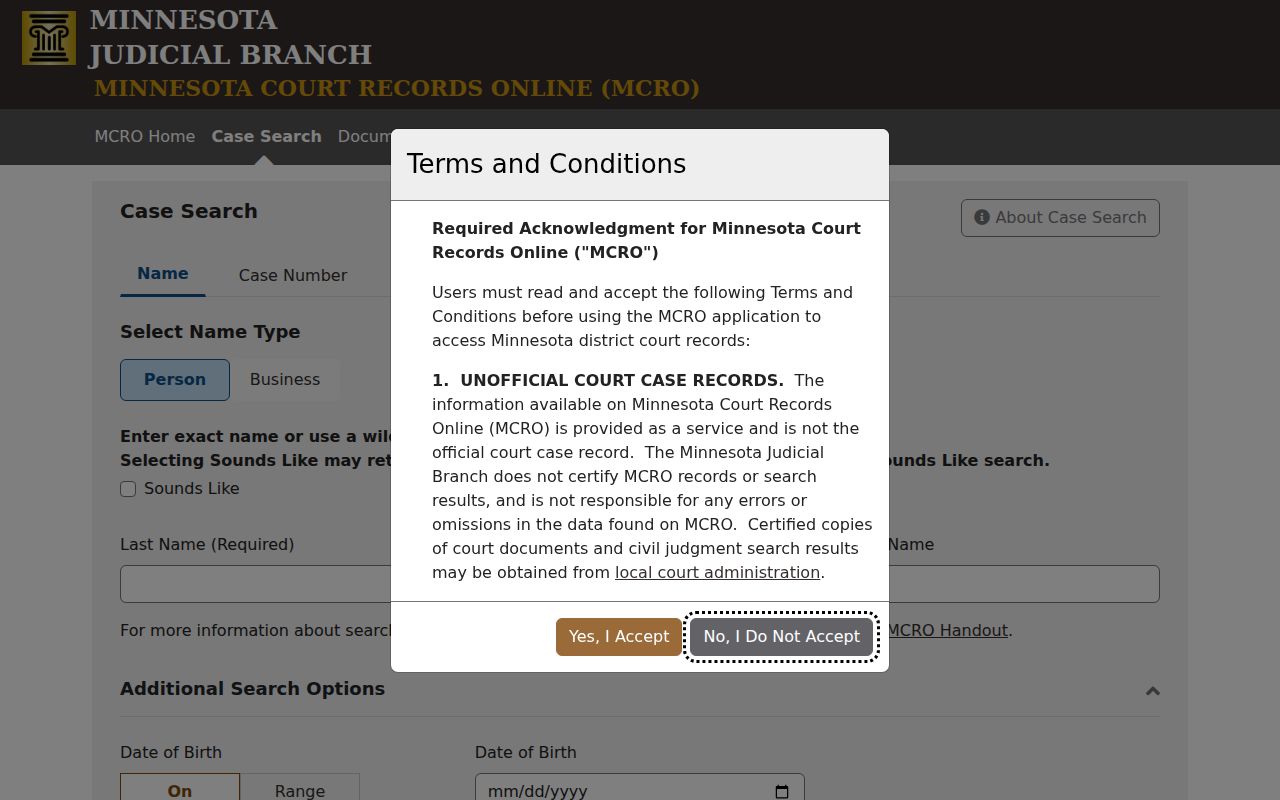
MCRO costs nothing and requires no public registration right now. Still, its results are not the official court record. eFile and eServe, known as eFS, serves a separate purpose. That system handles filing and service for authorized users, not anonymous public docket browsing.
Case Number Searches
The cleanest way past common-name confusion is a full case number. Official Morrison numbers begin with the location code 49. After that comes a case-type code, a two-digit year, and a sequence number. Patterns you may see include 49-CR-YY-NNNN for criminal, 49-CV-YY-NNNN for major civil, 49-FA-YY-NNNN for family, 49-PR-YY-NNNN for probate, 49-CO-YY-NNNN for conciliation, 49-VB-YY-NNNN for payable traffic or violation-bureau cases, and 49-JV-YY-NNNN for juvenile. Treat these patterns as locator clues only, never as legal conclusions. Drop the full number into Case Search to reach the public Register of Actions. You can also use it in Document Search for a document lookup. Older case formats belong with Court Administration rather than being squeezed into a modern pattern.
Morrison Case Numbers Are Search Clues
A type code points you to a sensible starting filter. It says nothing about how a case ends. A criminal docket entry may carry later disposition or sentence information. You must read it in the chronological events. In the same way, a VB pattern is not the citation number on a ticket. The statewide citation number and the court's case number can differ.
Too many results? Narrow the list with Morrison, a precise case category, and a filing-date range. When MCRO falls short, the next access route is the public courthouse terminal. That terminal is Minnesota Public Access Courthouse, or MNPAC. The state guide notes that its MPA view can offer more complete electronic public District Court access than remote MCRO. Restrictions still apply, so plan on that.
Case Search Results Explained
Each result row gives general case information. Open the matching case and you reach Case Details plus the Register of Actions, Morrison's chronological docket of filed papers, proceedings, hearings, orders, judgments, and other publicly accessible entries. Read those events in order. A case type, an active-warrant indicator, or a party name is never a final conclusion about anyone.
| Case Number | The county-coded identifier, such as 49-CR-YY-NNNN. Confirm every segment before relying on a match. |
|---|---|
| Filing / Location | The court or county location associated with the file. Check it when a statewide search returns more than one county. |
| Case Style / Parties | The formal case caption and available party roles. Similar names do not establish identity. |
| Case Category / Type | A classification such as criminal, civil, family, probate, or conciliation. It is not the final outcome. |
| Register of Actions | Chronological filings, hearings, orders, dispositions, fines or fees, and document-index entries that are publicly accessible. |
| Hearing and Disposition | Hearing details may show date, time, type, location, officer, and connection information. Read a later order, judgment, or event for the recorded result. |
Document and Judgment Searches Answer Different Questions
Do not touch MCRO Document Search until you hold the full case number. With that number, it identifies the public documents tied to a case. An index entry, though, does not promise an attached image. Documents filed before July 1, 2015 appear very rarely in MCRO. A title ending in “-Other” may need opening before its real type is clear. “Unknown pages” simply means MCRO could not read the page count. It does not mean a document is gone.
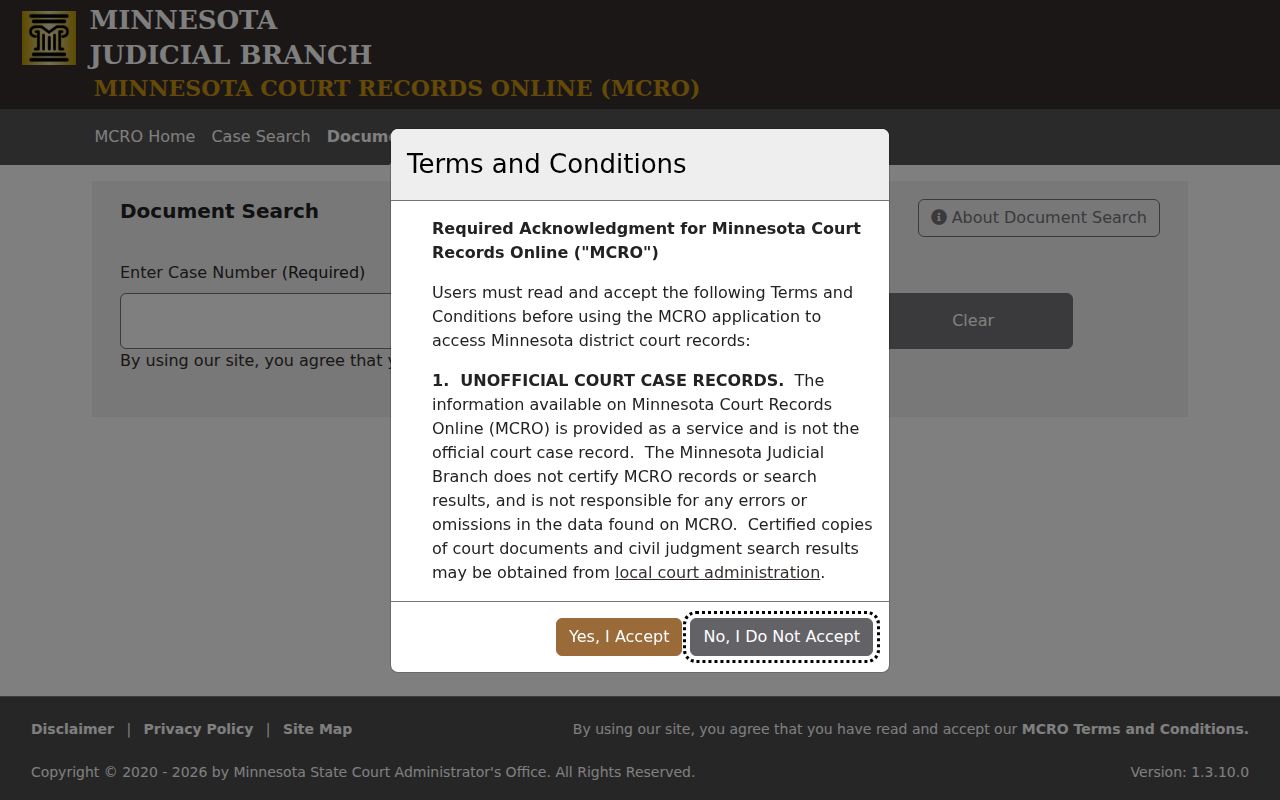
For a docketed money judgment, go to the official MCRO Judgment Search. A standard case result will not hand you the current balance.
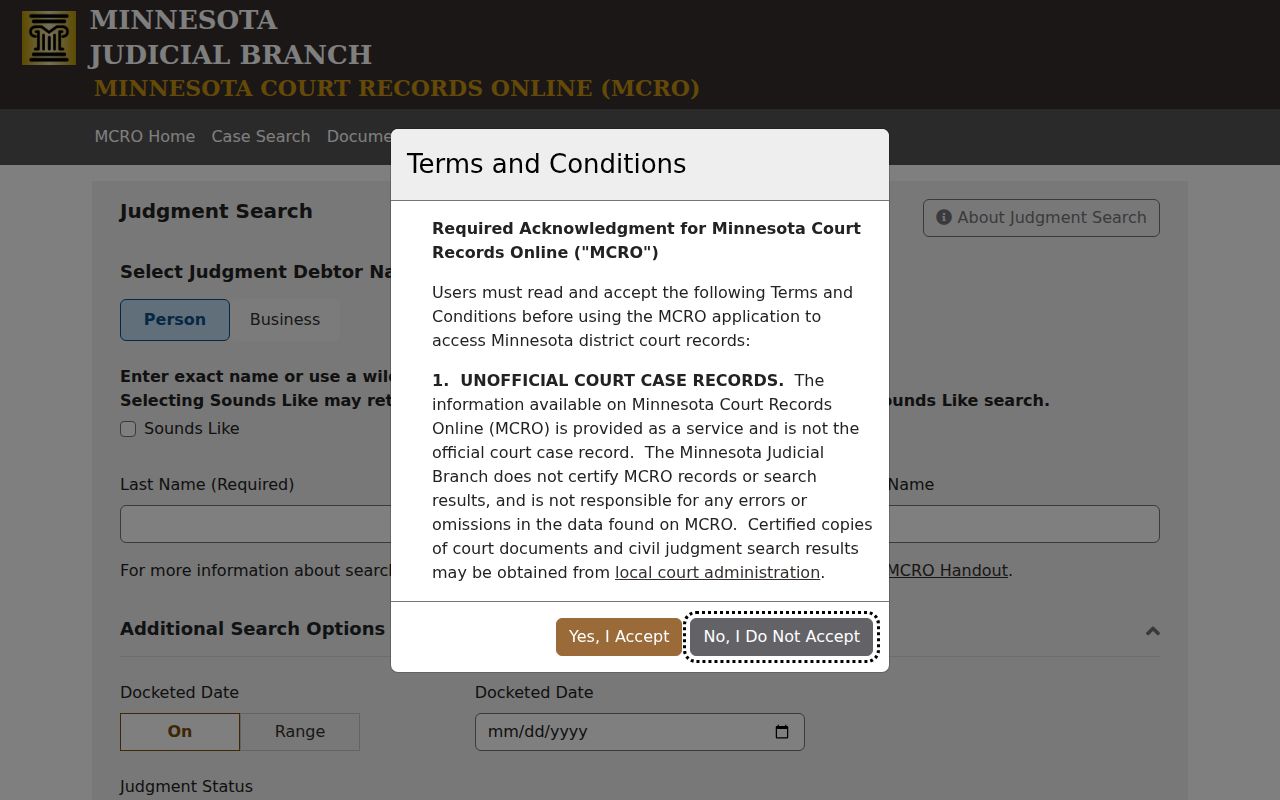
Compare judgment detail and later satisfaction events against the Register of Actions. Interest can shift a balance over time. For a current case-specific amount, ask Court Administration.
Record the Search Date Before Comparing Results
MCRO took over public remote case access from MPA Remote on April 17, 2023. Its rollout began in stages back in 2021. The names still trip people up. MCRO is the remote public application, and MNPAC is the public view inside the courthouse. MNCIS is the court information system underneath it all. The eFS service handles electronic filing and service for authorized users. When you note a search, write down the date and the case number or name you typed. Record the Morrison filter you picked, and which tab the result came from.
Let MCRO's own buttons guide you back. The browser Back button can mislead. Results shift as a case develops, as access rules apply, as an image appears or stays unavailable, or as filters change. Dating and describing each retrieval lets you compare a later docket result without assuming an earlier remote view was complete or current.
Two Ways to Search: County and State
Minnesota runs one unified statewide court system. That means MCRO can search public District Court data across the whole state. Then narrow the results to Morrison. Locally, the records contact is Morrison County District Court Court Administration. There is no separate county clerk or district clerk. Court Administration answers record questions and staffs the public terminal. It also processes copies. And it holds records that never appear remotely.
The Morrison County District Court page points to that office. The public counter sits at 213 First Avenue SE, open 8:00 a.m. to 4:30 p.m. Want a public copy? Request it at the counter, by mail with the statewide copy-request form or a letter, or through eFS when that party-specific filing route fits. A general county data request cannot substitute for the Judicial Branch process on a court file.
| MCRO Statewide Search | Morrison County District Court Access |
|---|---|
| Searches participating Minnesota District Court public records across locations, with a Morrison county filter. | Provides the county-specific Court Administration contact and the MNPAC public terminal for a more complete electronic public view. |
| Useful for finding a known case number, an alternate county, or a broad public name query. | Useful when remote results are incomplete, an older record is needed, or a copy or access question requires staff review. |
| Remote public convenience, not the official court record and not a promise that all documents are available. | Local court-record route for the original file, public-copy process, and restrictions that must be applied case by case. |
When a Search Returns No Useful Match
A blank name result does not mean no case exists. MCRO suppresses some cases without conviction. Pending criminal, traffic, and petty-misdemeanor matters drop out of defendant-name Case Search and Hearing Search. Try a case-number search, a citation-number search, an attorney name, or a bar number instead. Those routes are permitted and often cleaner. MCRO itself cautions that name searching is unreliable. Two people can share a name and birth date. Aliases and spelling differences creep in too.
Go back to the exact case number or citation number whenever one exists. If it still fails, turn to the MNPAC courthouse terminal. Its guide warns that only the first 200 matches may display. So narrow a broad list rather than reading it as complete. Still stuck? Give Court Administration the case number, filing county, document title, and date. Leave out Social Security numbers and financial-account numbers. Skip any private details the request does not need.
Which Cases Stay Restricted
The Minnesota Rules of Public Access to Records of the Judicial Branch govern what shows up remotely and what shows up at the courthouse. Rules 4 and 8 matter above all. MCRO is incomplete by design. Hidden material can include protected identifiers, juvenile records, CHIPS matters, civil-commitment materials, protected order information, party street addresses, protected comment fields, sealed or expunged material, and other nonpublic documents. Family party-submitted documents may carry reduced remote access too.
A courthouse terminal reaches more public material than MCRO. It still cannot break a seal or any statutory restriction. In a confidential but unsealed case with a named party, Court Administration can verify identity. Confidential or sealed record requests go through the proper court process and, where required, a judge's decision. The county administrative data-request form is no workaround for judicial-record restrictions.
An index entry with no attachment may reflect an access rule or an imaging limitation. It does not prove the document was destroyed. Ask Court Administration whether a public version exists at the courthouse. Or ask whether a copy request is needed. For a certified copy, say whether you want a plain, certified, or exemplified version. Also name the exact instrument. That could be an order, a judgment, or a Register of Actions printout.